Issue
If you download Elementor (Core or Pro) using Safari browser for Mac, the ZIP files opens automatically and therefore, you cannot download Elementor as a ZIP folder.
For details about downloading the Elementor Pro file for other browsers, see Install & activate Elementor Pro.
Solution
To fix this, follow these steps:
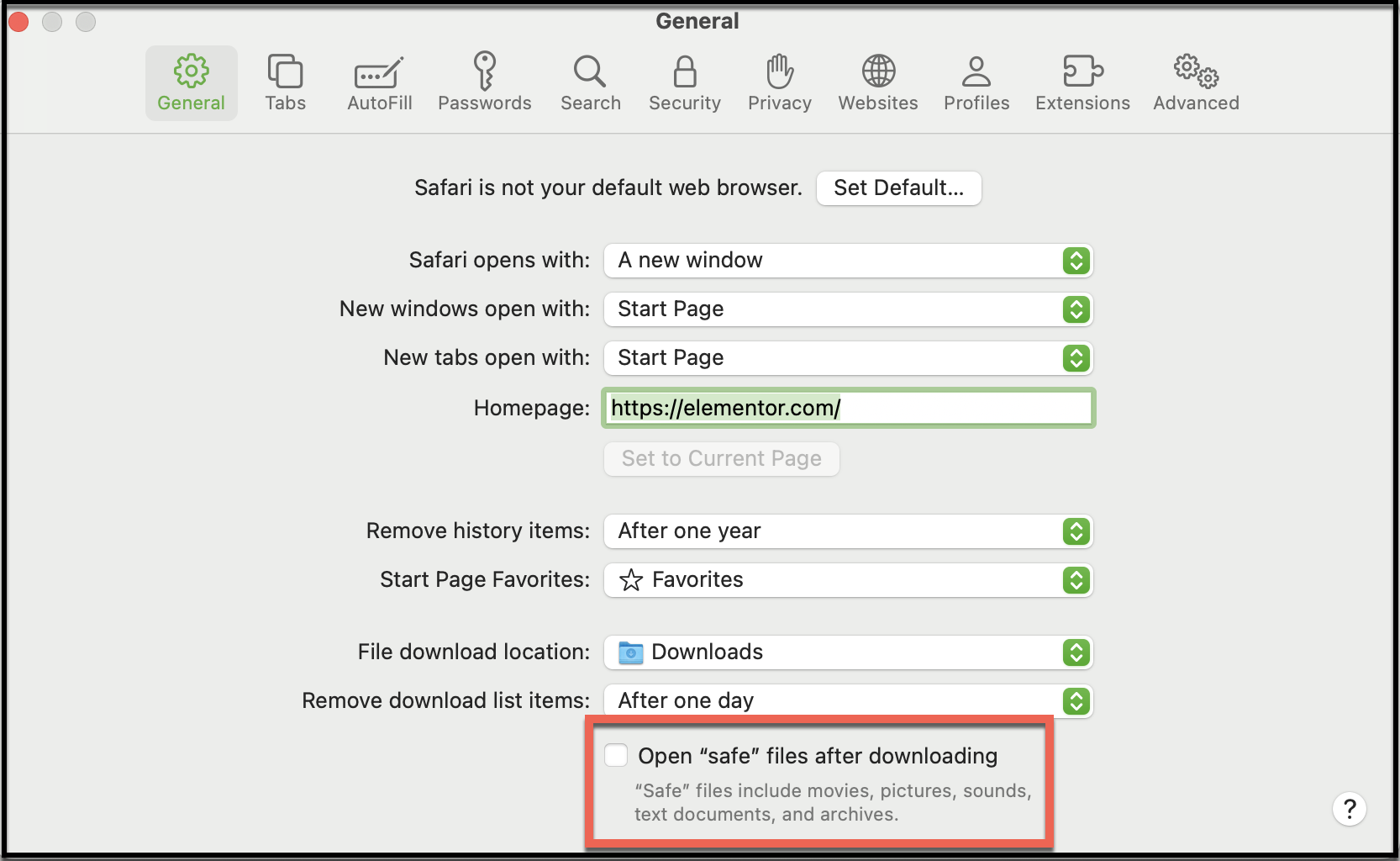
- Open Safari and go to Safari > Settings in the top left corner of the screen.
- Under General, uncheck Open “safe” files after downloading.
- Try to download the file again.
Note
The file has to be compressed and uploaded as a ZIP file.