Selecting a border type
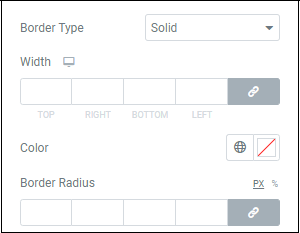
Most elements do not have visible borders by default. Use Border Type to create a visible border around the element. These borders help the element stand out and differentiate it from other elements.
Borders come in one of five types:
- A Solid single line around the element
- A solid Double line around the element
- A single Dotted line around the element
- A single Dashed line around the element
- A Groove border which appears like a picture frame.
If you elect use a border, you can use the Width counter to select a width, choose a Color with either the color picker or use a global color and change the Border Radius.